Kanban and wiki that update instantly for your projects
BlocPad is a real-time project management workspace designed for modern teams who need to manage tasks, documentation, and collaboration in one unified platform. It combines the structured power of tools like Jira with the flexibility of Notion, but without the complexity or performance issues of either. BlocPad features instant synchronization powered by Supabase Realtime, ensuring that every change you make is immediately visible to your entire team. Whether you are a startup, agency, or remote team, BlocPad helps you stay organized and focused on shipping work instead of managing tools.
Getting started with BlocPad is straightforward and requires no credit card. Here is how to begin using this powerful project management workspace:
1. Create Your Account - Visit BlocPad and sign up for a free account. No credit card is required, and you can start using the platform immediately with your small team.
2. Set Up Your First Project - Create a new project and choose between Kanban board view for visual task management or list view for structured planning. Add your team members and set up access permissions.
3. Create Tasks and Documentation - Use the Kanban boards to create tasks with priorities, due dates, labels, and assignees. Build your project wiki using the Notion-style editor with slash commands and nested pages.
4. Collaborate in Real-Time - Invite your team members and start collaborating. All changes sync instantly across all users. Use comments, mentions, and presence indicators to stay connected.
5. Customize Your Workflow - Set up saved filters, configure notification preferences, and adjust per-project or per-task mute controls to see only what matters to you.
Real-Time Collaboration - Every change syncs instantly across all team members using Supabase Realtime technology. No refresh needed, no reload required - see updates as they happen.
Kanban Boards - Visual task management with draggable columns and cards. Organize work into customizable stages and move tasks through your workflow effortlessly.
Notion-Style Wiki - A powerful documentation system with slash commands, nested pages, and a draggable sidebar. Features autosave, version history, inline comments, and the ability to share pages publicly.
Smart Notifications - Get notified about assignments, comments, mentions, and due dates. Control noise with per-project, per-task, and per-type mute controls, plus daily digests and due reminders.
Flexible Task Management - Support for priorities, due dates, labels, comments, mentions, multiple assignees, watchers, and saved filters per project. Switch between Kanban and list views.
Enterprise-Grade Security - Built on Supabase Postgres with strict Row Level Security (RLS) for data protection. Public sharing uses revocable, tokenized links with optional write access and expirations.
#1 Software Development Teams - Use BlocPad to manage sprints, track bugs, and document technical decisions. The Kanban boards work perfectly for agile workflows, while the wiki keeps your technical documentation organized and accessible.
#2 Startup Founders - Manage your entire operation from product roadmaps to meeting notes. BlocPad free tier for small teams makes it ideal for early-stage startups who need powerful tools without the cost.
#3 Remote Teams - Stay connected with real-time presence indicators showing who is viewing or editing. The instant sync ensures everyone sees the same information regardless of their location or timezone.
#4 Creative Agencies - Organize client projects, track deliverables, and maintain project documentation all in one place. Share specific pages with clients using public links while keeping internal discussions private.
#5 Product Managers - Create feature roadmaps, document product requirements, and track development progress. The combination of structured task management and flexible documentation fits the PM workflow perfectly.
What makes BlocPad different from Jira or Notion? BlocPad combines the structured project management capabilities of Jira with the flexible documentation features of Notion, but runs significantly faster and is much easier to set up. Unlike Jira, it is not overwhelming or rigid. Unlike Notion, it provides proper project management structure without manual workarounds.
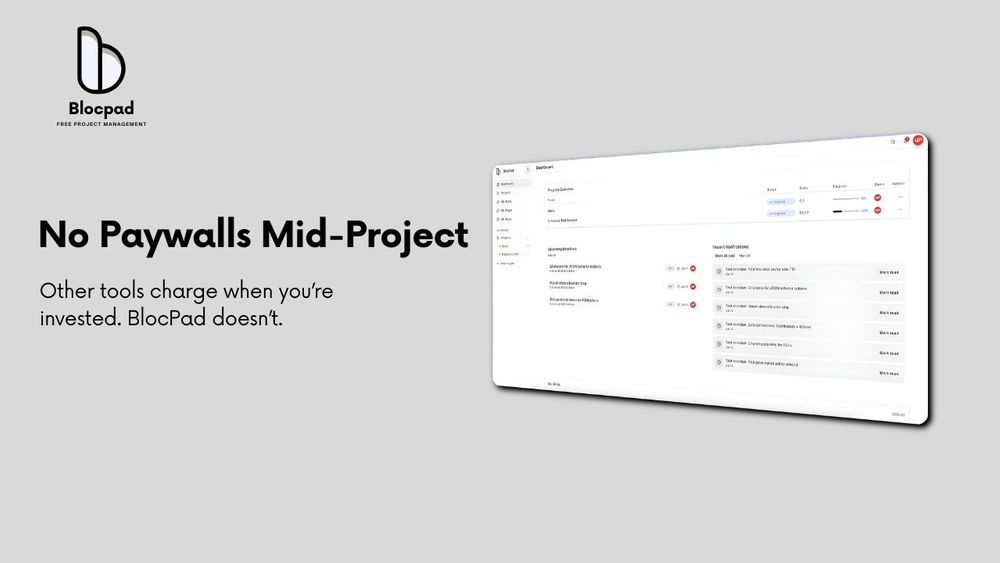
Is BlocPad really free? Yes, BlocPad offers a free plan for small teams with no credit card required. The philosophy is simple: start free and upgrade only when BlocPad becomes critical to your workflow. There are no surprise limits or paywalls mid-project.
How secure is my data on BlocPad? BlocPad uses Supabase Postgres with strict Row Level Security (RLS) enforcing access at the project and page level. All traffic is encrypted in transit, public sharing uses revocable tokenized links, and permissions follow least-privilege principles.
Can I collaborate with my team in real-time? Absolutely. BlocPad is built with real-time collaboration as a core feature. Every change syncs instantly across all team members using Supabase Realtime technology. You will also see presence indicators showing who is viewing or editing.
What kind of teams is BlocPad designed for? BlocPad is built for software teams, startups, agencies, founders, and remote teams who want clarity, speed, and focus without complexity. It works well for any team that needs to manage projects and documentation together.