
Bloka
AI turns any object into your focus trigger
What is Bloka?
How to use Bloka?
Features
Use Cases
FAQ
Pricing
Free
$0
Popular
Bloka Pro
Subscription
AI turns any object into your focus trigger
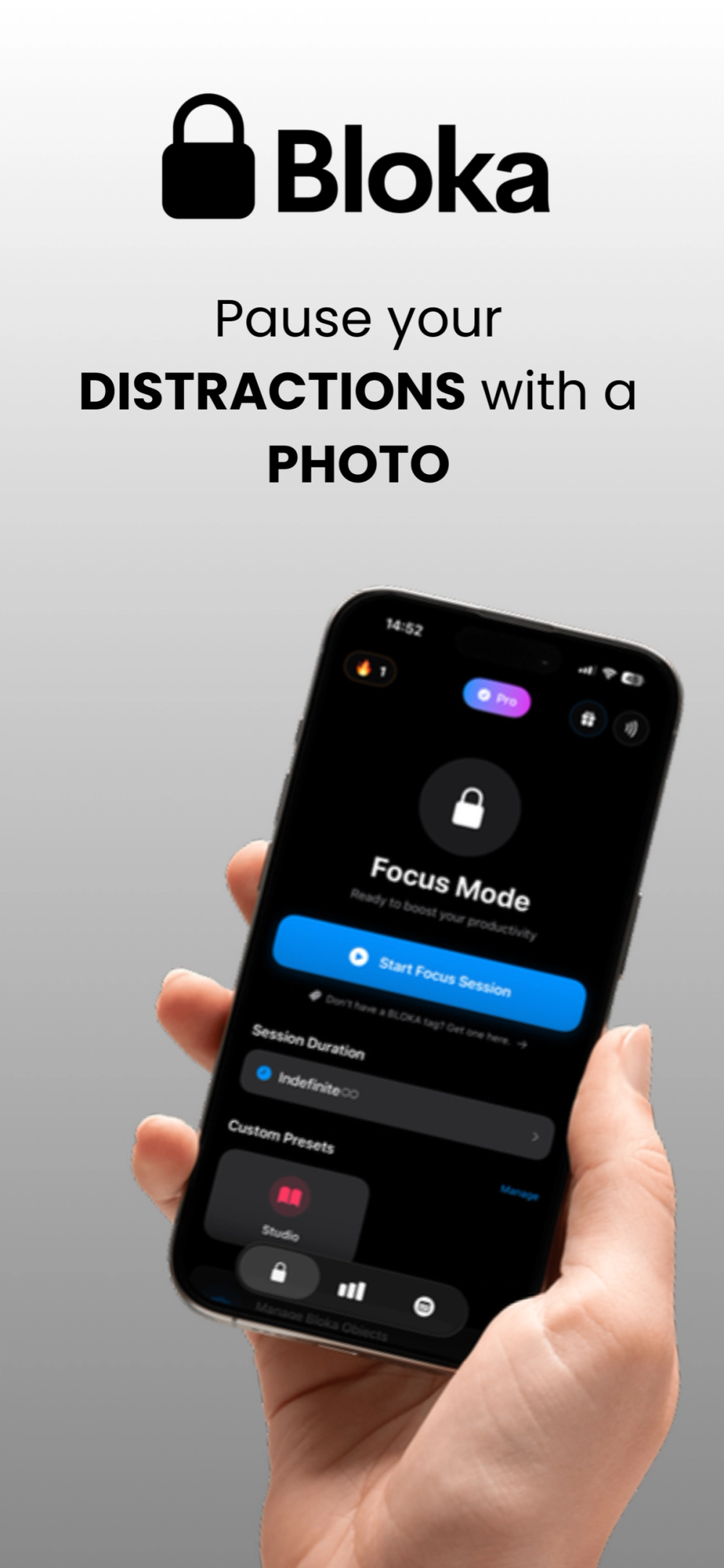
Bloka is an innovative AI-powered screen time control app designed to help users break free from digital distractions and reclaim their focus. Unlike traditional app blockers that rely solely on willpower, Bloka uses advanced AI camera scanning technology to create a physical, intentional barrier against procrastination. By requiring users to scan real-world objects to start and end focus sessions, the app creates a stronger psychological commitment to staying focused. Available on iPhone and iPad, Bloka transforms your device from a source of distraction into a powerful productivity ally.
Bloka revolutionizes screen time management through its unique AI-powered camera scanning system. Here is how to get started with the app:
1. Download and Install - Get Bloka from the App Store on your iPhone or iPad running iOS 17.5 or later.
2. Select Distracting Apps - Choose the apps and websites that distract you most, such as social media platforms, games, or news sites.
3. Scan to Start Focus - Point your camera at an everyday object like your laptop, a book, or your desk. The AI recognizes the object and instantly starts your focus session.
4. Stay Focused - All selected apps are blocked during your session. If you try to open them, Bloka reminds you why you chose to focus.
5. Scan to Unlock - When you are ready to end your session, scan the same object again to restore access and enjoy your free time guilt-free.
AI-Powered Object Recognition - Uses advanced artificial intelligence to recognize everyday objects as personal focus triggers, creating a unique and secure way to start focus sessions.
Physical Commitment System - Scanning a real-world object creates a stronger psychological barrier against distractions compared to simple toggle buttons or timers.
Customizable App Blocking - Select specific apps and websites you want to block during focus sessions, giving you complete control over your digital environment.
Focus Session Reminders - When you attempt to open blocked apps, Bloka displays reminders about why you chose to focus, reinforcing your commitment.
Scheduled Focus Sessions - Pro users can set up automatic focus sessions that start at predetermined times, perfect for establishing consistent productivity routines.
Focus Streaks and Milestones - Track your progress with streak counters and achievement milestones that gamify your productivity journey.
#1 Student Study Sessions - Students can use Bloka to block social media and entertainment apps during study time, ensuring focused learning without the temptation to check notifications or scroll through feeds.
#2 Remote Work Productivity - Remote workers can create distraction-free work periods by blocking time-wasting apps, helping maintain professional focus even in home environments full of potential distractions.
#3 Digital Detox and Wellbeing - Users seeking better digital balance can set scheduled focus sessions to reduce overall screen time and create healthier relationships with their devices.
#4 Creative Deep Work - Writers, artists, and creators can use Bloka to enter flow states without interruption, blocking apps that might break their creative concentration.
#5 Mindful Device Usage - Parents and individuals can use the physical scanning requirement to become more intentional about when and how they use distracting apps.
How does Bloka's AI scanning work? - Bloka uses computer vision and machine learning to recognize everyday objects you designate as focus triggers. When you point your camera at the object, the AI identifies it and either starts or ends your focus session, creating a physical action requirement that strengthens your commitment to focus.
Can I use any object to start a focus session? - Yes, you can use virtually any everyday object as your focus trigger - a coffee mug, laptop, book, plant, or desk lamp. The AI learns to recognize your chosen objects, making the scanning process quick and reliable.
What happens if I try to open a blocked app? - When you attempt to open an app you've blocked during a focus session, Bloka displays a reminder about your focus commitment. The app remains inaccessible until you properly end your session by scanning your designated object.
What's the difference between Free and Pro plans? - The Free plan allows one Camera Mode object and one daily session unlock. Bloka Pro offers up to 5 objects, unlimited daily unlocks, scheduled automatic sessions, and focus streaks tracking.